Rich Task Descriptions and Images
Task descriptions can include formatted text, links, lists, code snippets, and images. Use the description to give the assignee enough context to complete the work without searching through other tools.
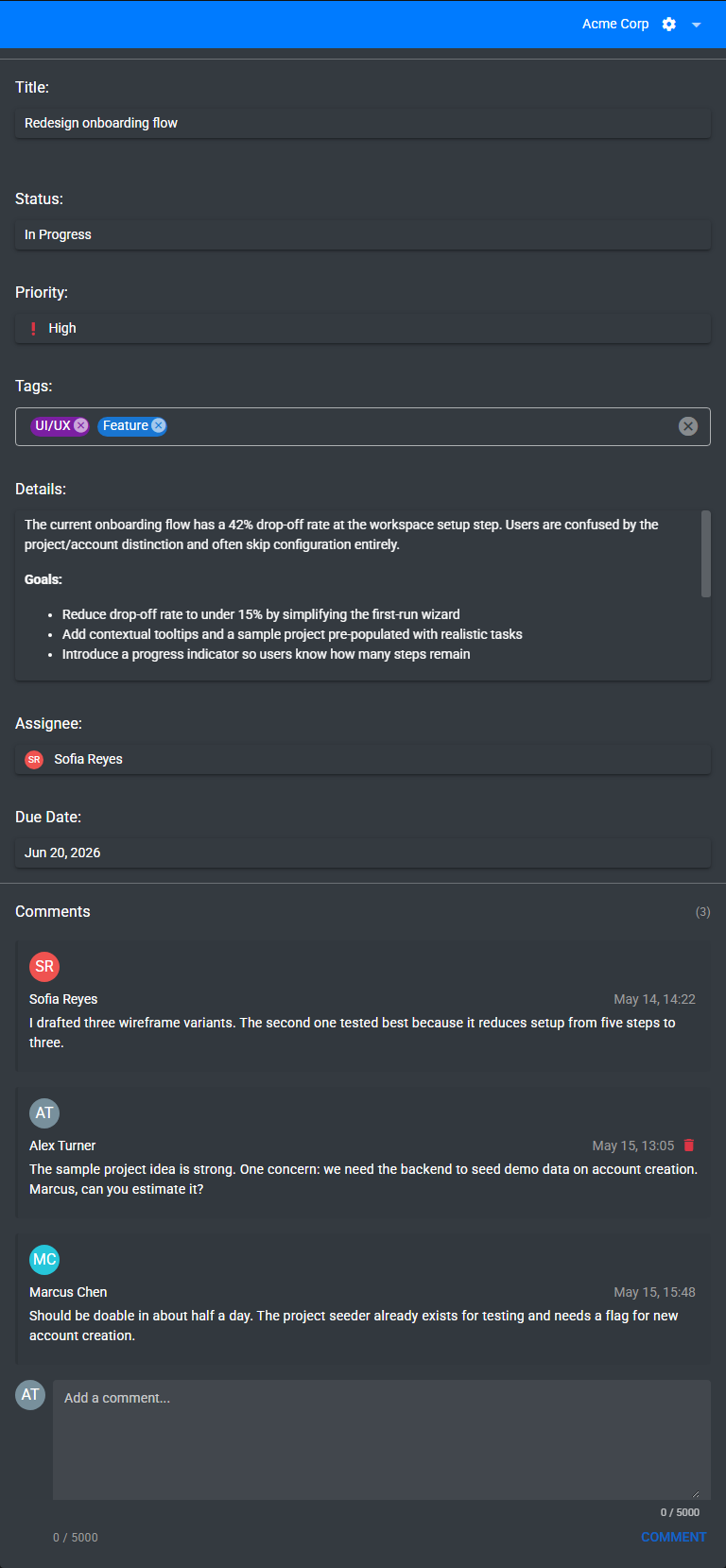
What you can add
- Paragraphs and lists for structured instructions.
- Bold, italic, underline, and code formatting for emphasis.
- Links to external resources.
- Images uploaded from your computer or pasted from the clipboard.
Add an image
- Open a task.
- Click into the description editor.
- Paste an image from the clipboard, or use the image upload control.
- Wait for the upload to finish before saving the description.
Best practices
- Start with the expected outcome.
- Add links, screenshots, or examples when they reduce ambiguity.
- Keep ongoing discussion in comments instead of rewriting the description for every update.